List
A List shows rows built from your data: tasks, places, messages, files. It scrolls by itself, lets people swipe a row away to delete it, and can group rows into sections.
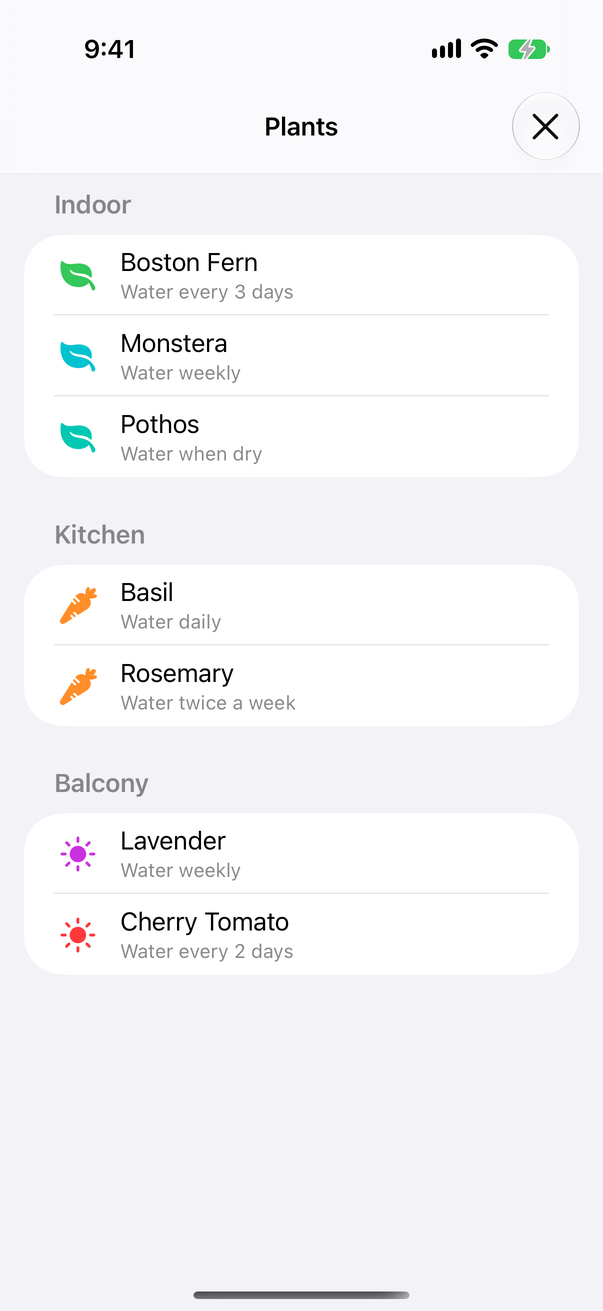
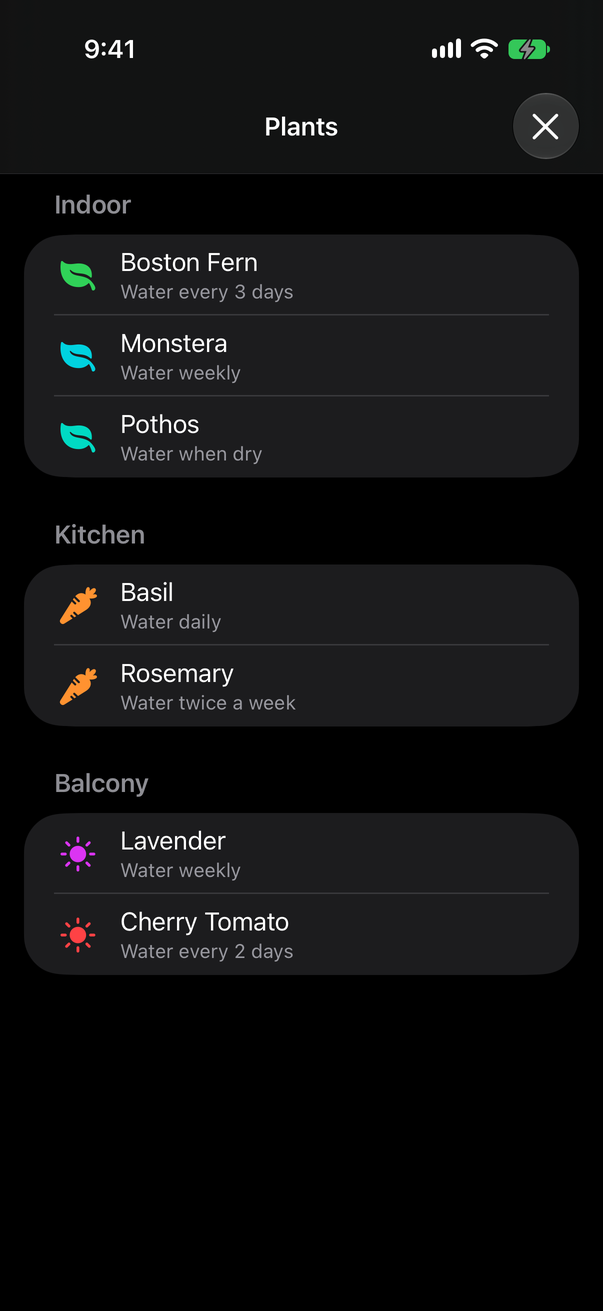
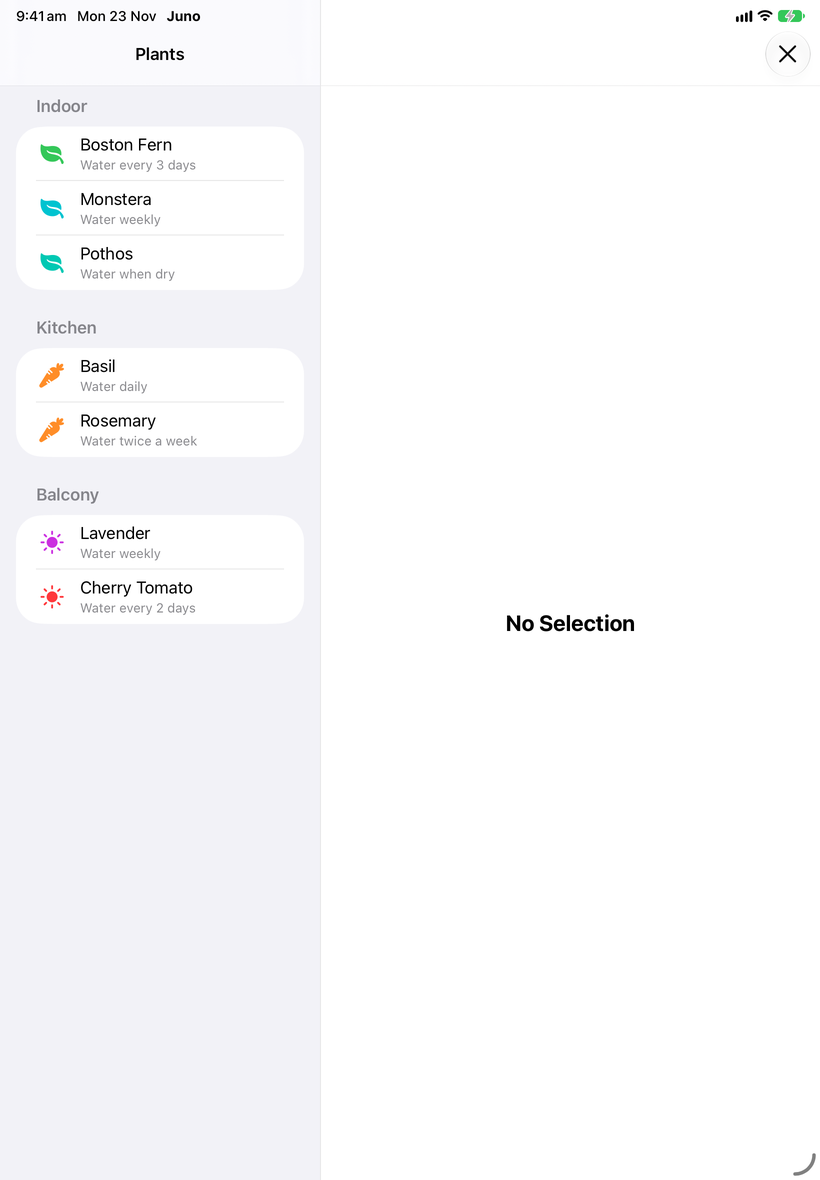
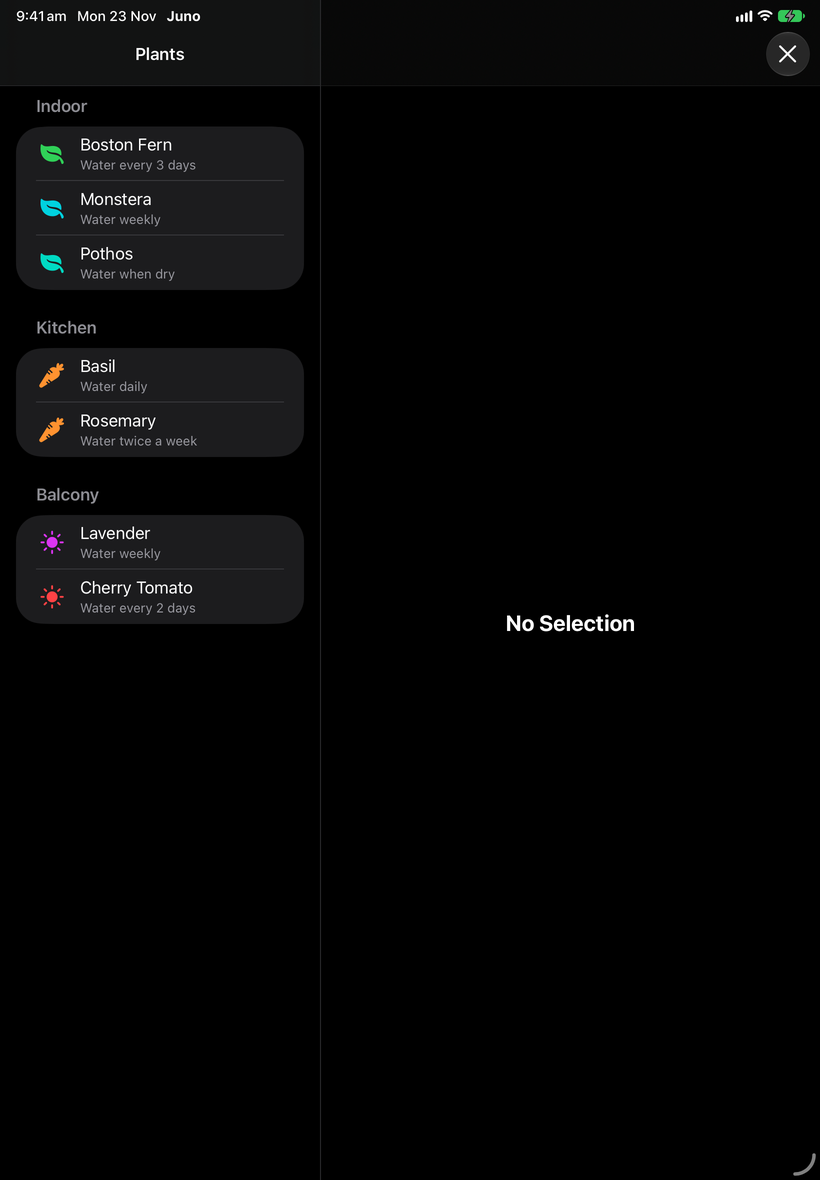
"""Plants: a list in sections, with swipe to delete and a page for the row you tap."""

from dataclasses import dataclass, field

from juno import ui


@dataclass
class Plant:
    id: str
    name: str
    place: str
    care: str
    symbol: str
    color: str


PLANTS = [
    Plant("fern", "Boston Fern", "Indoor", "Water every 3 days", "leaf.fill", "green"),
    Plant("monstera", "Monstera", "Indoor", "Water weekly", "leaf.fill", "teal"),
    Plant("pothos", "Pothos", "Indoor", "Water when dry", "leaf.fill", "mint"),
    Plant("basil", "Basil", "Kitchen", "Water daily", "carrot.fill", "orange"),
    Plant("rosemary", "Rosemary", "Kitchen", "Water twice a week", "carrot.fill", "orange"),
    Plant("lavender", "Lavender", "Balcony", "Water weekly", "sun.max.fill", "purple"),
    Plant("tomato", "Cherry Tomato", "Balcony", "Water every 2 days", "sun.max.fill", "red"),
]


@dataclass
class State:
    plants: list = field(default_factory=lambda: list(PLANTS))
    open_id: str | None = None


state = State()


def plant_key(plant):
    return plant.id


def plant_section(plant):
    return plant.place


def plant_row(plant):
    return ui.HStack(
        ui.Image(symbol=plant.symbol, color=plant.color, size=22, width=32),
        ui.VStack(
            ui.Text(plant.name),
            ui.Text(plant.care, font="footnote", color="secondary_label"),
            spacing=2, alignment="leading"),
        ui.Spacer(),
        spacing=12)


def open_plant(key):
    state.open_id = key


def go_back(key):
    if key == "plants":
        state.open_id = None


def delete_plant(key):
    state.plants = [plant for plant in state.plants if plant.id != key]
    if state.open_id == key:
        state.open_id = None


def detail(plant):
    return ui.VStack(
        ui.Image(symbol=plant.symbol, color=plant.color, size=64),
        ui.Text(plant.name, font="title2", weight="bold"),
        ui.Text(f"{plant.place}, {plant.care.lower()}", color="secondary_label"),
        spacing=12, padding=20, width="fill", max_width=680)


def body(s):
    plants = ui.List(
        s.plants, item_key=plant_key, row=plant_row, section=plant_section,
        on_select=open_plant, on_delete=delete_plant, selected=s.open_id, style="inset")
    pages = [ui.Page("Plants", plants, key="plants")]
    plant = next((plant for plant in s.plants if plant.id == s.open_id), None)
    if plant is not None:
        pages.append(ui.Page(plant.name, detail(plant), key=f"plant-{plant.id}"))
    return ui.NavigationStack(*pages, on_back=go_back)


if __name__ == "__main__":
    ui.run(body, state, title="Plants")
Rows come from your items
Give List your items and two functions:
item_key(item)returns a string that names the item and never changes, such as an id from your data. Don’t use the row’s position or a new random value each time: the key is how Juno keeps track of each row when the list changes.row(item)returns the view for one row, often anHStackwith anImageand someText.
An empty list is fine; it shows no rows.
Sections
section(item) returns a header for the item, or None for no header. Neighboring rows with the same header share a section, so sort your items by section first. style="inset" draws the list on a grouped background with its rows inset, as in the picture.
Deleting rows
With on_delete, people can swipe a row to delete it. Juno calls on_delete(key) with that row’s key; remove the item from your state and the row goes away. To keep some rows from being deleted, pass deletable, a function that returns False for those items.
Tapping a row
on_select(key) runs when someone taps a row. To open a page for it, put the list in a NavigationStack and add a Page for the selected item, as the example does. Pass the open item’s key as selected to keep its row highlighted.
More options
footershows text under the last row.separators=Falsehides the lines between rows.context_menu(item)returns aMenuto show when someone touches and holds a row.anchor="bottom"keeps the end of the list in view as rows are added, unless someone has scrolled up. It suits a chat.A list shows up to 1,000 rows.
Where a list fits
A List scrolls on its own, so don’t put it inside a vertical ScrollView. It works best as the whole content of a page or a tab.
Parameters
Parameter |
Default |
Meaning |
|---|---|---|
|
Required |
Iterable of data; an empty list is valid. |
|
Required |
Function returning each item’s unique, nonempty string ID. |
|
Required |
Function returning one view for an item. |
|
|
Optional function receiving the swiped item’s key. Remove the item from state yourself. |
|
|
Optional function receiving the key of the row the person tapped anywhere outside its own controls. |
|
|
|
|
|
|
|
|
Optional function receiving an item and returning its section header, or None; neighbouring rows with the same header share a section. |
|
|
Optional plain text drawn under the last row, in the system’s footnote style; blank lines separate paragraphs. |
|
|
|
|
|
|
|
|
Optional function receiving an item and returning False for a row that offers no Delete swipe. |
|
|
|
|
|
|
|
|
Optional function receiving an item and returning a Menu shown when its row is long-pressed, or None for no menu. |
Common keywords |
|
Seen in
Tasks, News Reader, Chat, Weather and Focus Timer, the projects in Home’s Native UI section, all use a List.