Pages and navigation
Use pages to open the details of one item in your Python script’s native interface. A trail guide might start with a choice of walks and open directions for one of them.
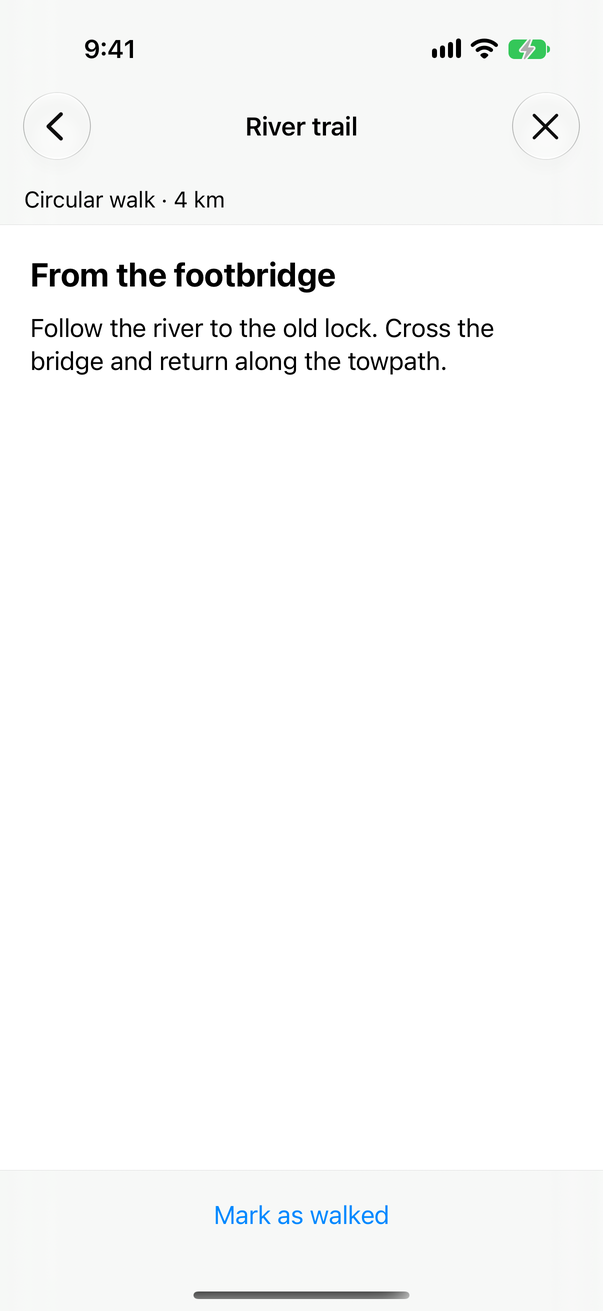
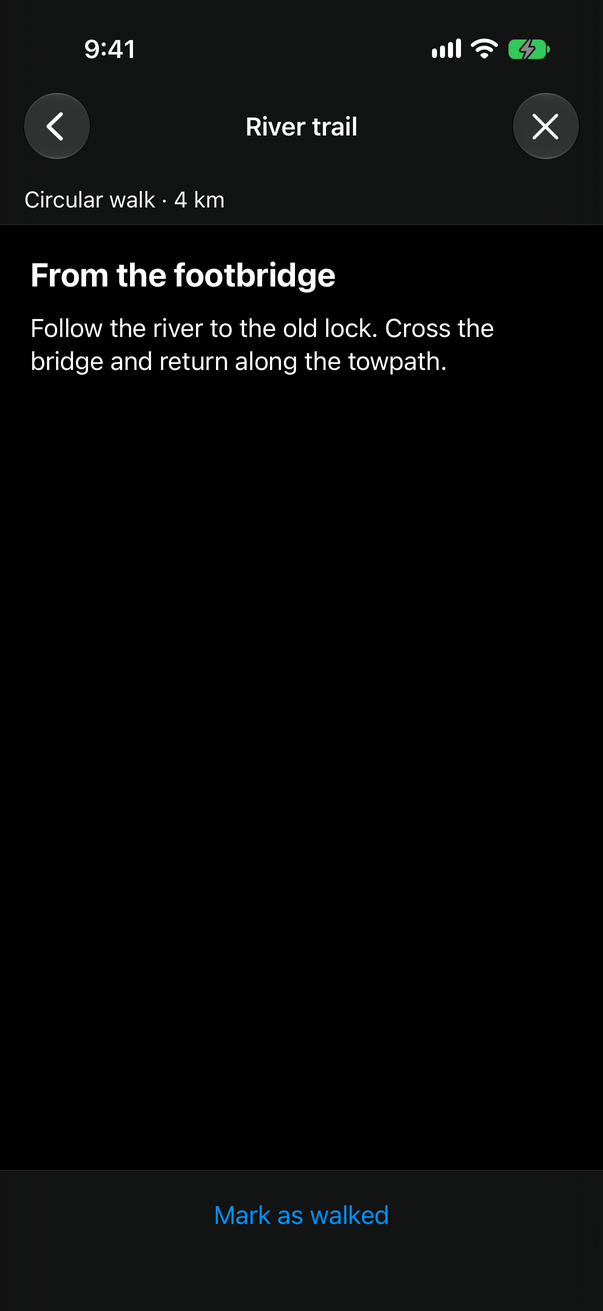
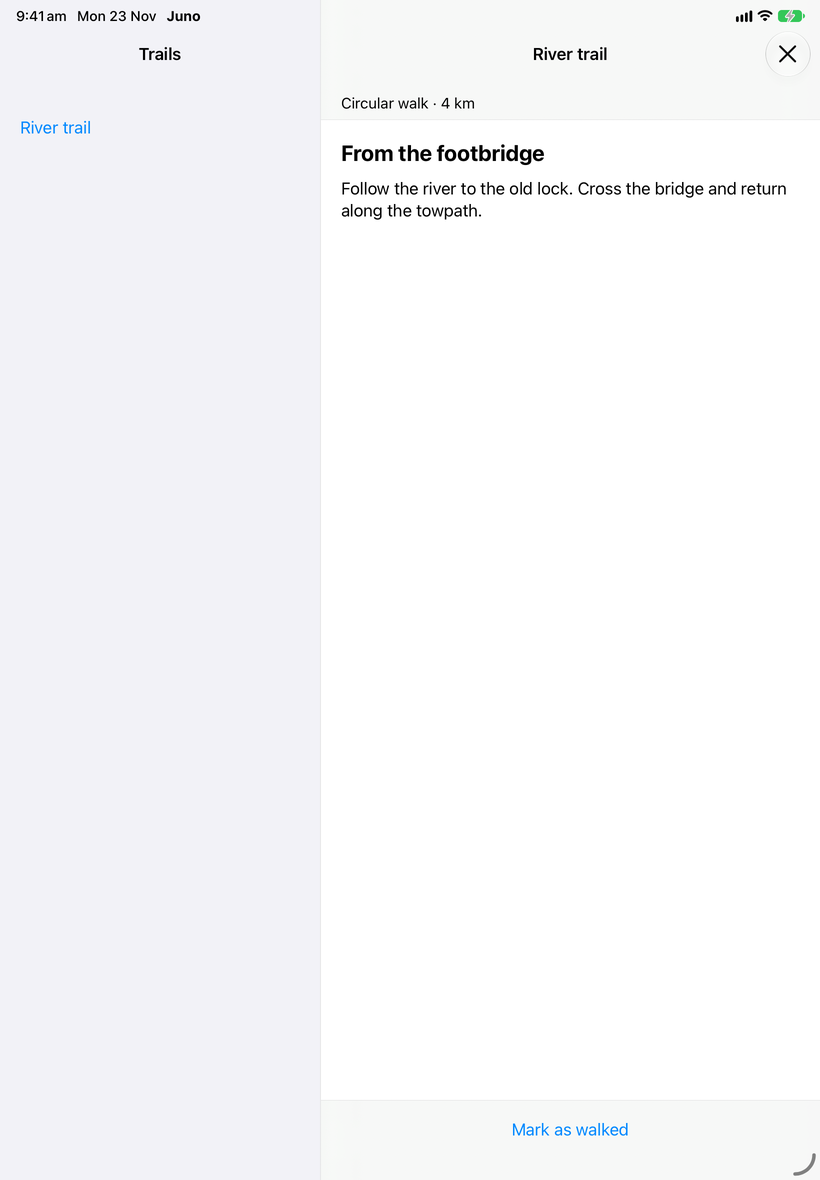
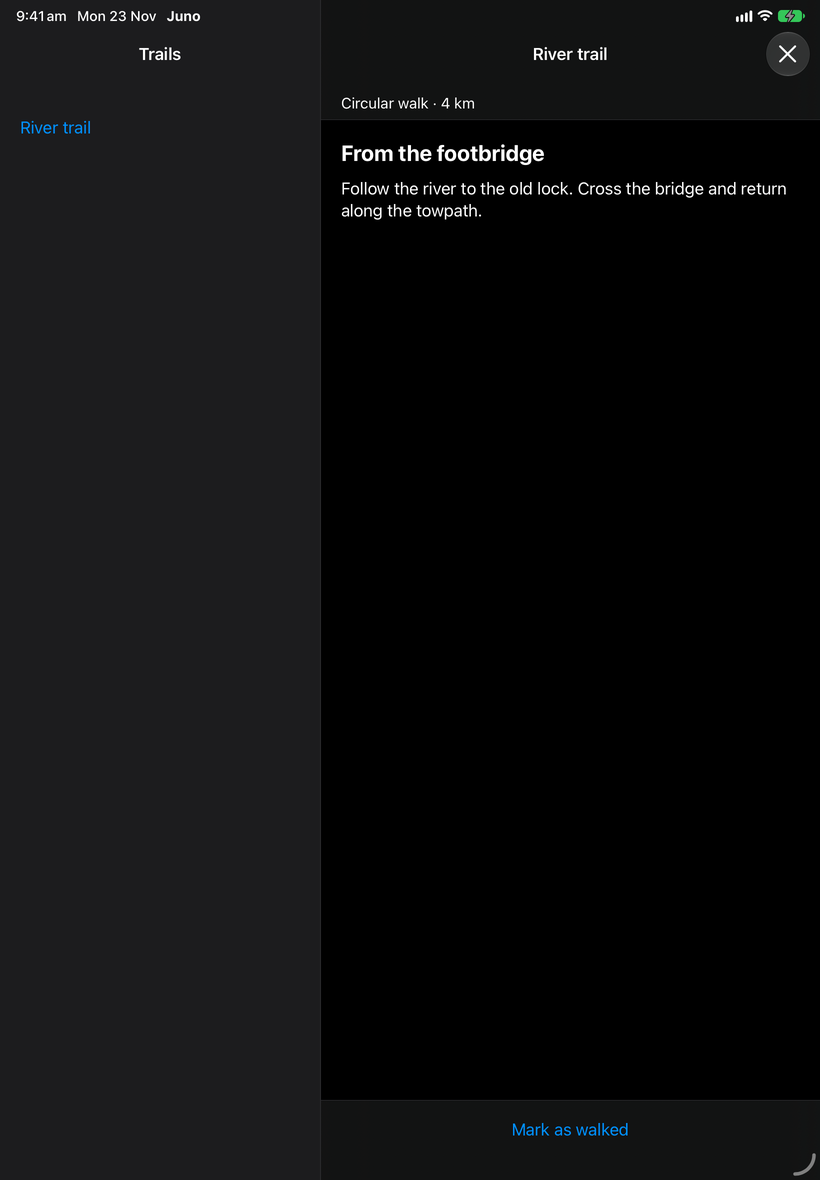
"""A trail guide with directions and a button to mark the walk complete."""

from dataclasses import dataclass

from juno import ui


@dataclass
class State:
    trail_open: bool = True
    walked: bool = False


state = State()


def open_trail():
    state.trail_open = True


def go_back(key):
    if key == "trails":
        state.trail_open = False


def mark_walked():
    state.walked = True


def body(s):
    trails = ui.VStack(ui.Button("River trail", on_press=open_trail),
                       alignment="leading", padding=20)
    pages = [ui.Page("Trails", trails, key="trails")]
    if s.trail_open:
        directions = ui.VStack(
            ui.Text("From the footbridge", font="title2", weight="bold"),
            ui.Text("Follow the river to the old lock. Cross the bridge and return along the towpath."),
            spacing=12, alignment="leading", padding=20)
        pages.append(ui.Page(
            "River trail", directions, key="river",
            top_bar=ui.Text("Circular walk · 4 km", font="subheadline"),
            bottom_bar=ui.Button("Walk completed" if s.walked else "Mark as walked",
                                 on_press=mark_walked, disabled=s.walked)))
    return ui.NavigationStack(*pages, on_back=go_back)


if __name__ == "__main__":
    ui.run(body, state, title="Trail guide")
Open a page and go back
Return a NavigationStack from body with the starting Page first. Append a page with its own key for the detail you want to show. The example starts with the river directions open so you can mark the walk as completed. When you go back, on_back receives the key of the page you returned to. Remove the pages after that key from state.
Use the space around the directions
On a wide iPad window, the first page sits beside the top page. Set columns=1 to show one page at a time there too. A page’s top_bar sits under the navigation bar and its bottom_bar sits along the bottom of the page. Use the top bar for a short detail like the distance, and the bottom bar for an action like Mark as walked.
Parameters
Parameter |
Default |
Meaning |
|---|---|---|
|
Variadic |
One to sixteen Page descriptions with unique keys; the first is the root page. |
|
|
Optional function receiving the key of the page the person went back to. Remove every page after that key from state. |
|
|
|
Parameter |
Default |
Meaning |
|---|---|---|
|
Required |
Title shown in the navigation bar while the page is on top. |
|
Required |
One view shown as the page. |
|
Required |
Unique nonempty string identifying the page in its stack. |
|
|
Optional view of Buttons, Text and TextFields, often an HStack, shown in a bar under the navigation bar. |
|
|
Optional view of Buttons, Text and TextFields, often an HStack, shown in a bar along the bottom of the page. |
Seen in
Run Weather from Home’s Native UI section and pick a place to open its forecast page.