Tabs
Use tabs to move between parts of your Python script’s native interface that you visit in any order. At a market, the shopping list and a guide to the stalls make a natural pair.
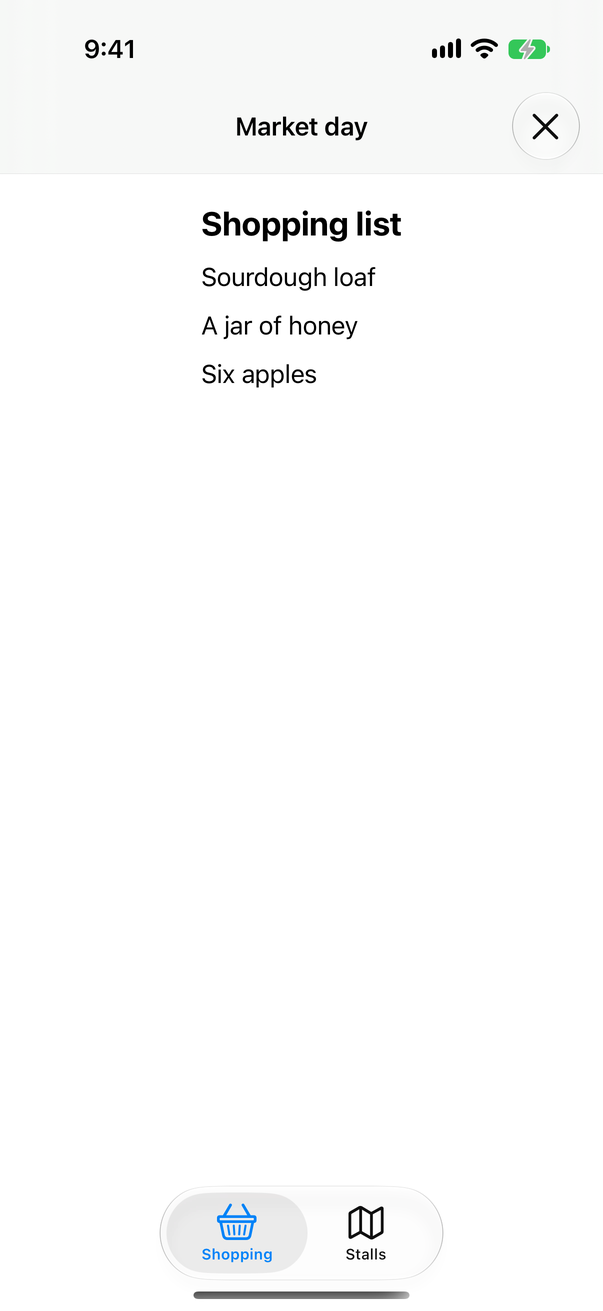
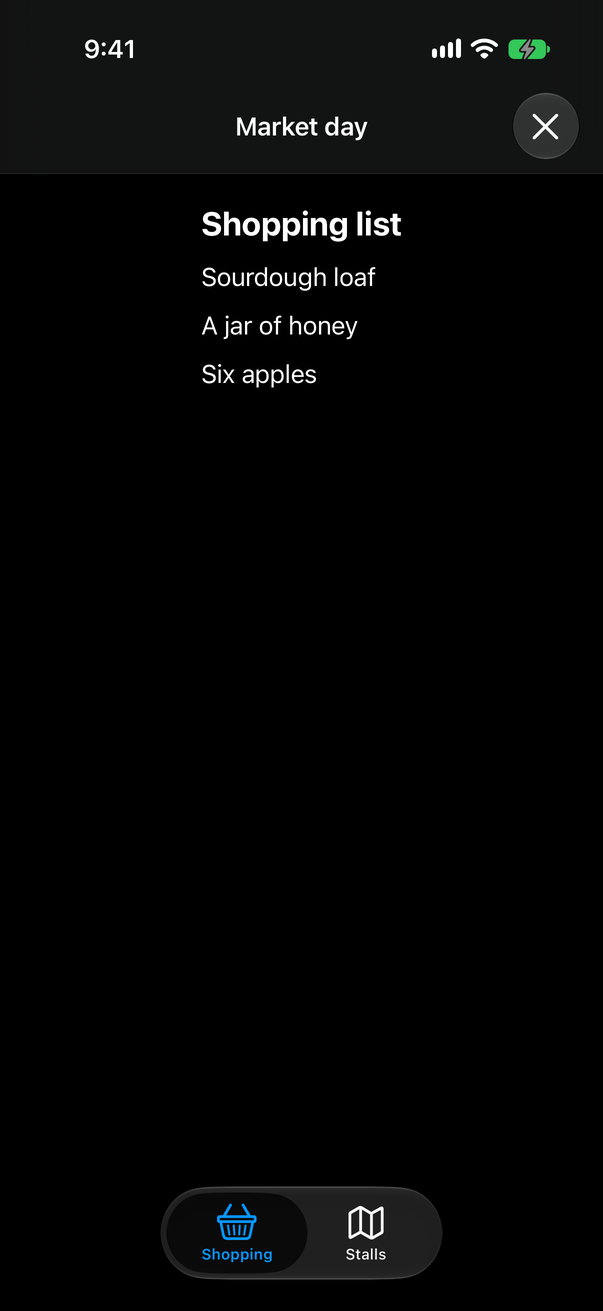
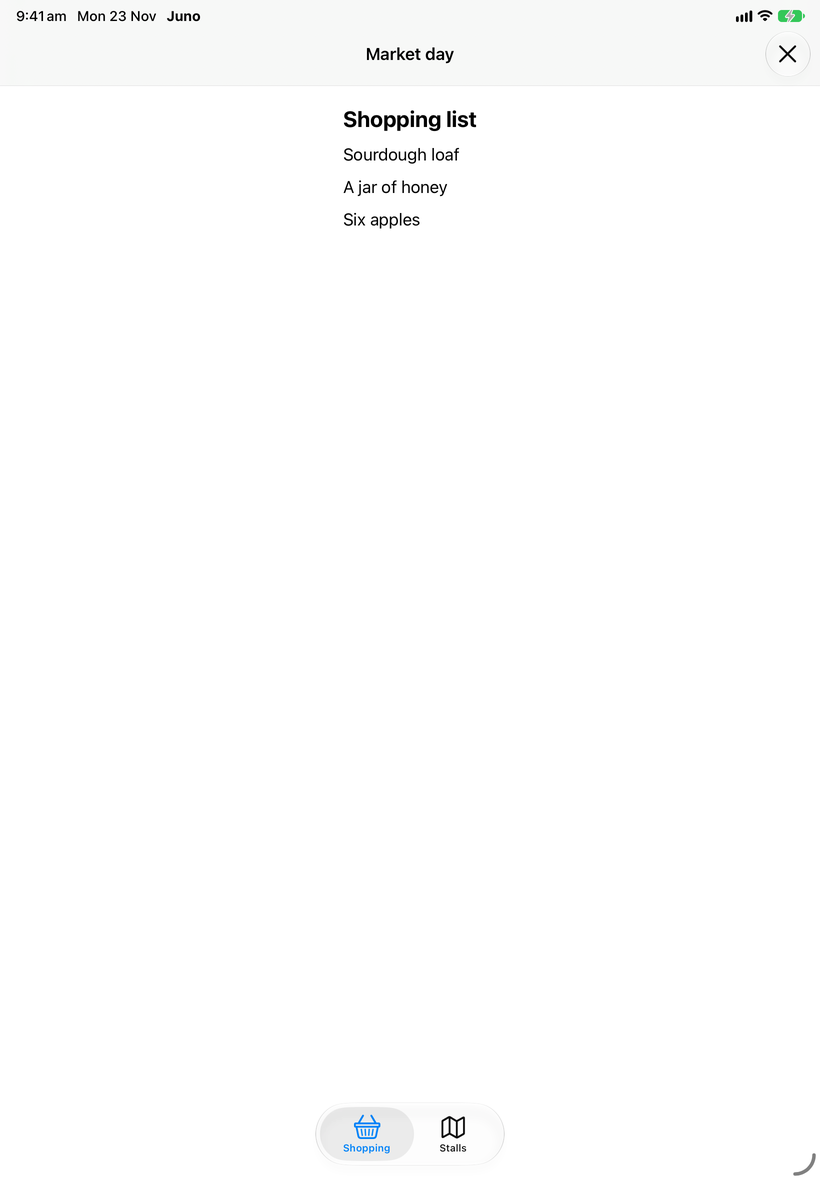
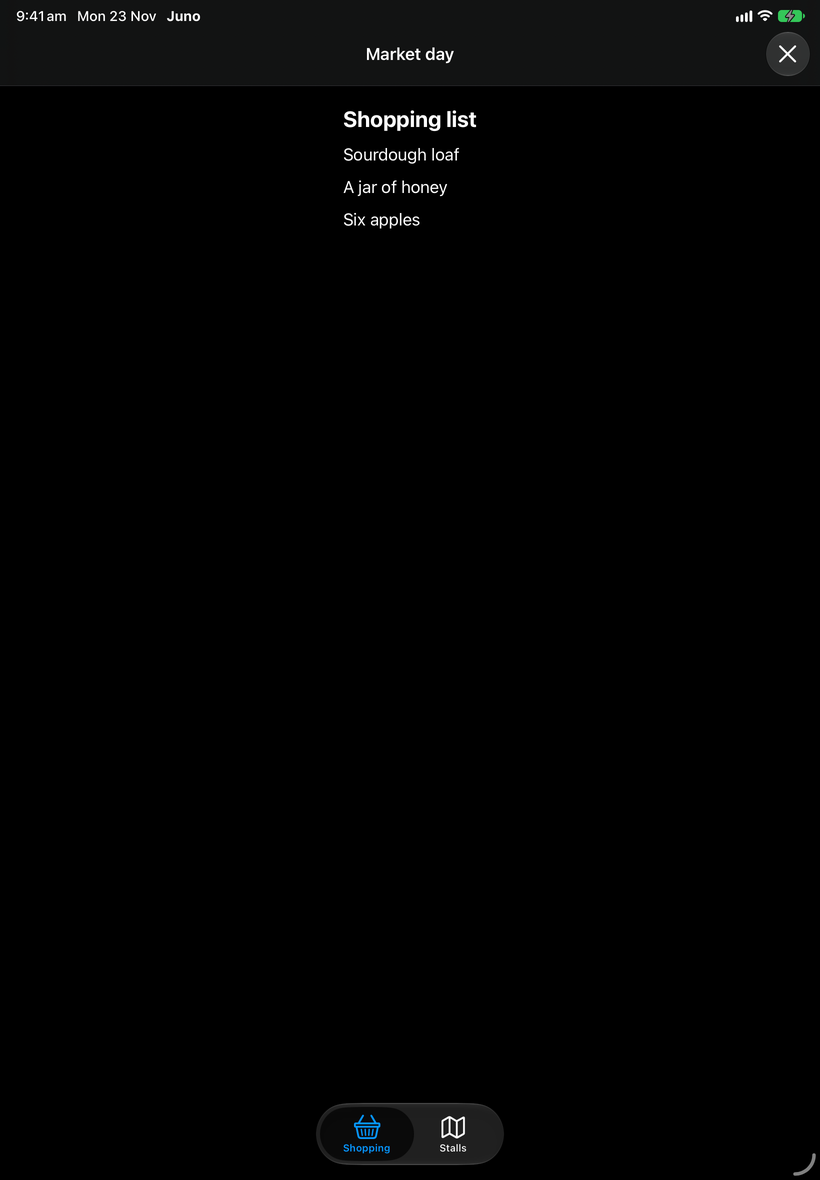
"""Two views of a market visit: the shopping list and the stall locations."""

from dataclasses import dataclass

from juno import ui


@dataclass
class State:
    tab: str = "shopping"


state = State()


def select_tab(key):
    state.tab = key


def body(s):
    shopping = ui.VStack(
        ui.Text("Shopping list", font="title2", weight="bold"),
        ui.Text("Sourdough loaf"), ui.Text("A jar of honey"), ui.Text("Six apples"),
        alignment="leading", spacing=12, padding=20)
    stalls = ui.VStack(
        ui.Text("Where to find the stalls", font="title2", weight="bold"),
        ui.Text("Bread and honey by the clock"), ui.Text("Fruit by the east gate"),
        alignment="leading", spacing=12, padding=20)
    return ui.TabView(
        ui.Tab("Shopping", shopping, key="shopping", symbol="basket"),
        ui.Tab("Stalls", stalls, key="stalls", symbol="map"),
        value=s.tab, on_change=select_tab)


if __name__ == "__main__":
    ui.run(body, state, title="Market day")
Name each tab
Give each Tab a short title, a view for its contents and a key you can use in your code. Use a distinct key for each tab in a TabView. The optional symbol adds an image to the tab, such as the basket for Shopping.
Remember the selection
Set value to the key of the tab you want to show. Choosing a tab sends its key to on_change. Here select_tab stores that key, so tapping Stalls shows where to find the bread and tapping Shopping brings back the list.
Use pages and navigation for a detail you reach from another page.
Parameters
Parameter |
Default |
Meaning |
|---|---|---|
|
Variadic |
Tab descriptions with unique keys. |
|
Required |
Selected tab key, which must exist. |
|
Required |
Function receiving a selected string key. |
Common keywords |
|
Parameter |
Default |
Meaning |
|---|---|---|
|
Required |
Tab label. |
|
Required |
One view to show when selected. |
|
Required |
Unique nonempty string used by TabView.value. |
|
|
Optional SF Symbol name for the tab bar icon. |
Seen in
Run Focus Timer from Home’s Native UI section and switch between its timer and history tabs.