Navigation
Give a museum visitor a path from the floor guide to a gallery and on to a single exhibit. Keep the path in Python so you know which page to show when the visitor goes back.
"""Open an exhibit from the museum floor guide and find your way back."""

from dataclasses import dataclass, field

from juno import ui


@dataclass
class State:
    path: list = field(default_factory=lambda: ["museum", "gallery"])


state = State()


def open_gallery():
    state.path = ["museum", "gallery"]


def open_clock():
    state.path = ["museum", "gallery", "clock"]


def go_back(key):
    state.path = state.path[:state.path.index(key) + 1]


def body(s):
    entrance = ui.VStack(
        ui.Text("First floor", font="headline"),
        ui.Button("Time gallery", on_press=open_gallery, style="bordered"),
        alignment="leading", padding=20)
    pages = [ui.Page("Museum", entrance, key="museum")]
    if "gallery" in s.path:
        gallery = ui.VStack(
            ui.Text("Measuring the hours", font="title2", weight="bold"),
            ui.Text("Gallery 4 · First floor", color="secondary_label"),
            ui.Button("Look inside the clock", on_press=open_clock, style="filled"),
            alignment="leading", spacing=12, padding=20)
        pages.append(ui.Page("Time gallery", gallery, key="gallery"))
    if "clock" in s.path:
        clock = ui.VStack(
            ui.Text("The lantern clock", font="title2", weight="bold"),
            ui.Text("A falling weight turns the wheels that move the hour hand."),
            alignment="leading", spacing=12, padding=20)
        pages.append(ui.Page("Lantern clock", clock, key="clock"))
    return ui.NavigationStack(*pages, on_back=go_back)


if __name__ == "__main__":
    ui.run(body, state, title="Museum visit")
Open an exhibit
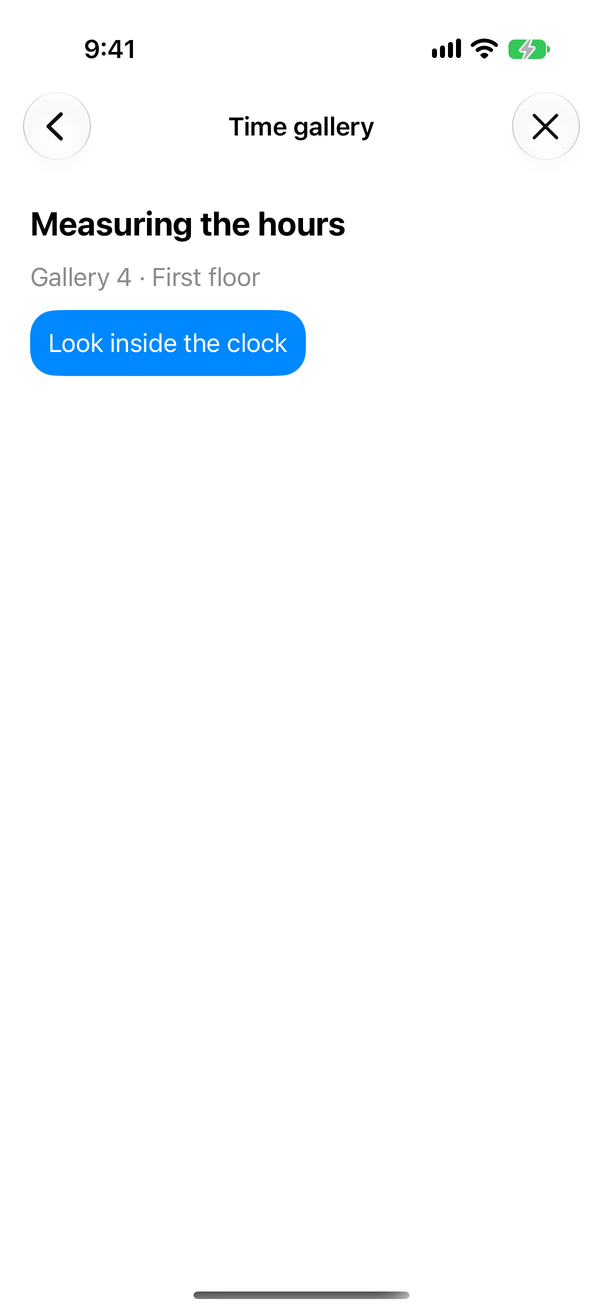
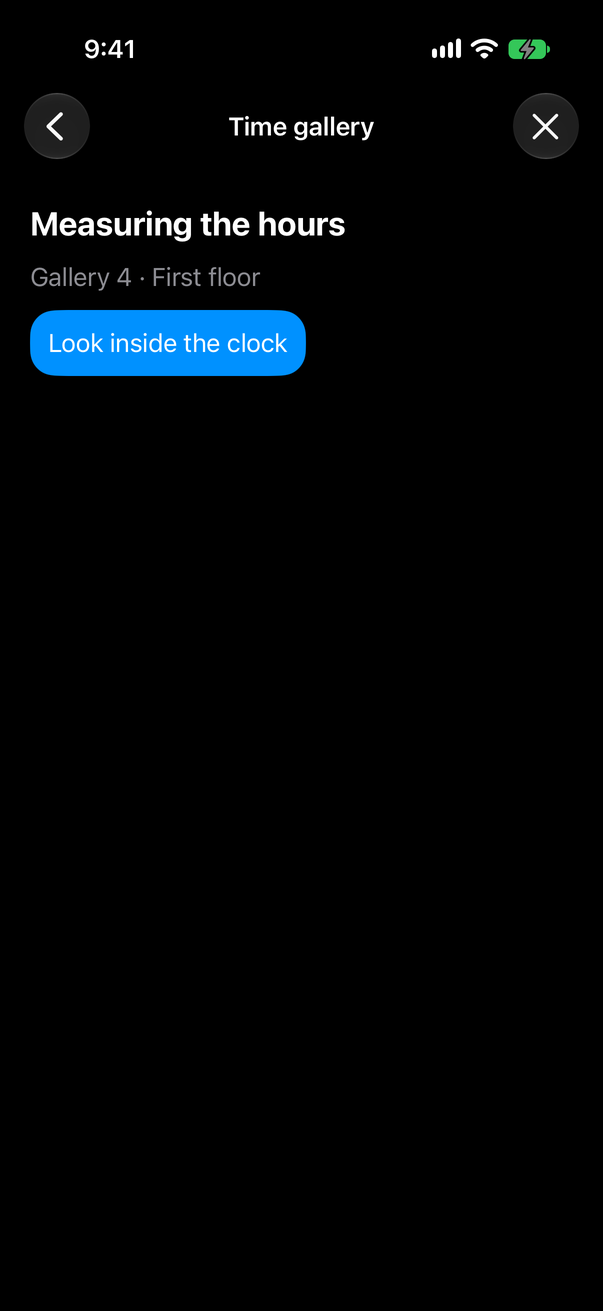
The guide opens in the Time gallery. Tap Look inside the clock to read about the exhibit.
Give each stop its own key, such as gallery or clock. Use the page title for the words visitors see. To push a page, include it after the existing pages in the NavigationStack. Here the button adds the clock to the path and the body includes the matching Page.
Return to the gallery
Back calls on_back with the key of the page you returned to. Keep that key and remove everything after it from the path. From the clock, that leaves the gallery open. On a phone, go back once more to reach the floor guide.
Use the extra room on iPad
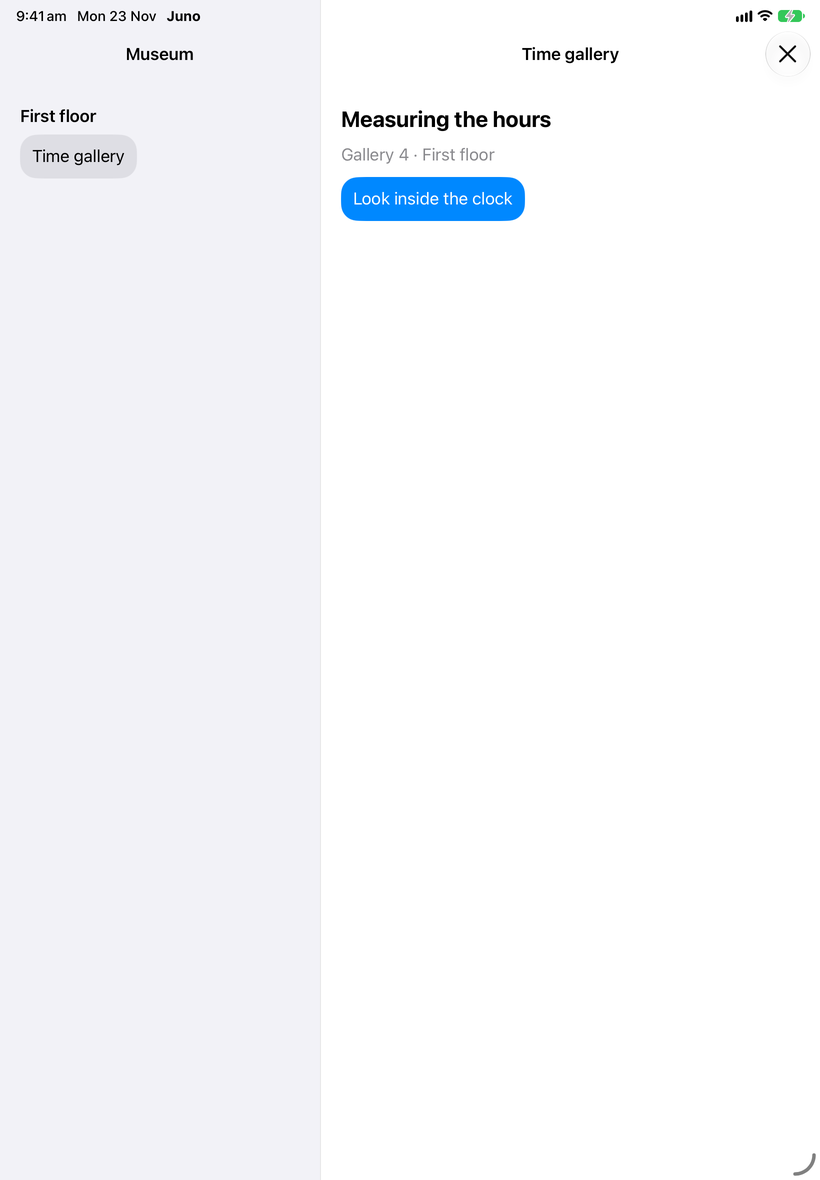
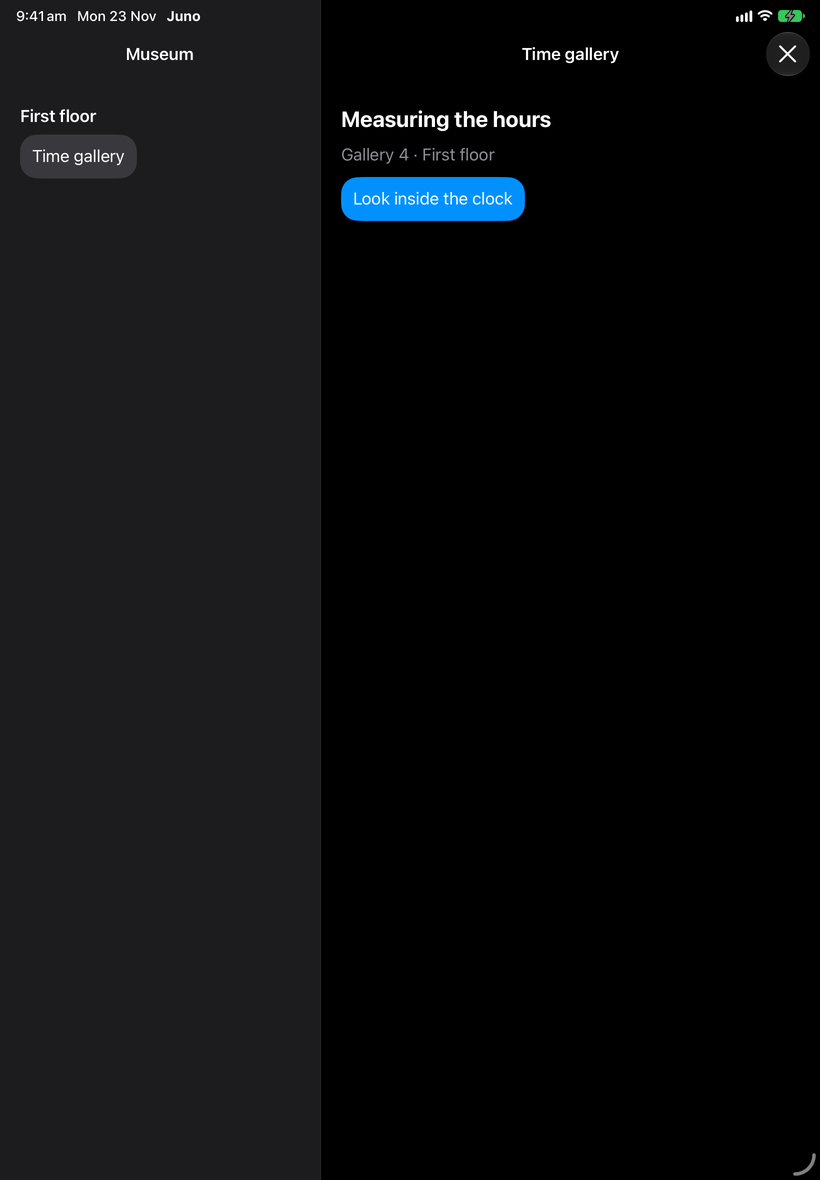
In a wide iPad window the first page stays on the left while the top page appears on the right. Keep the floor guide first so visitors can still choose a gallery while reading about a clock.
See Pages and navigation for page bars and the single-column option.