Lists and data
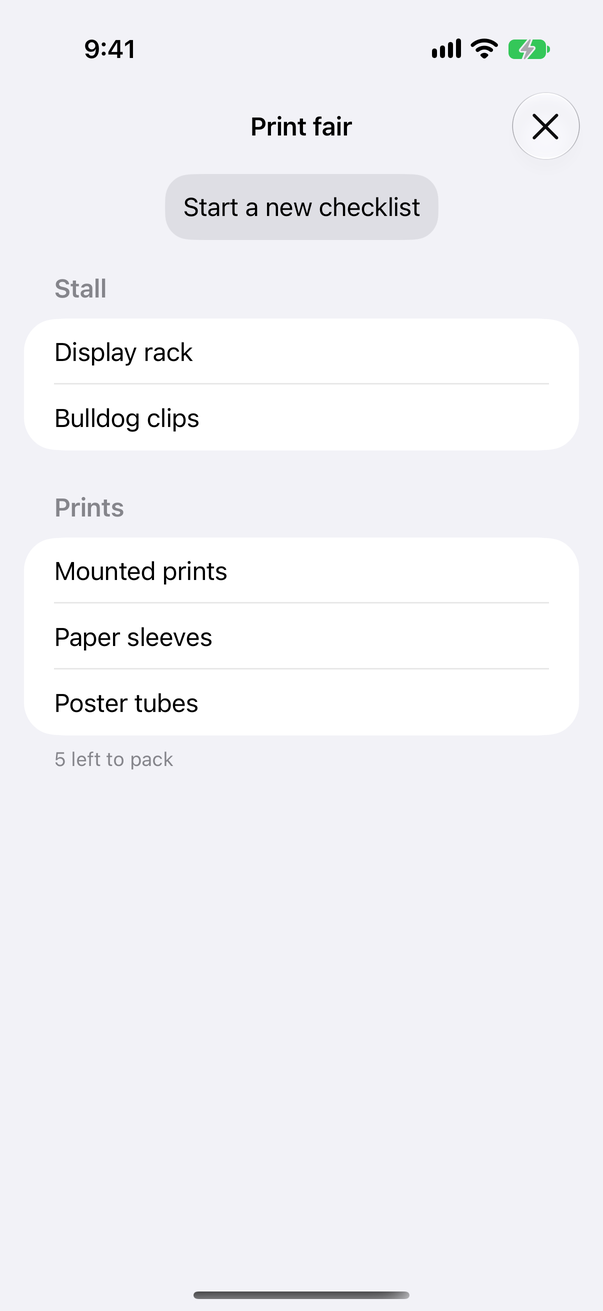
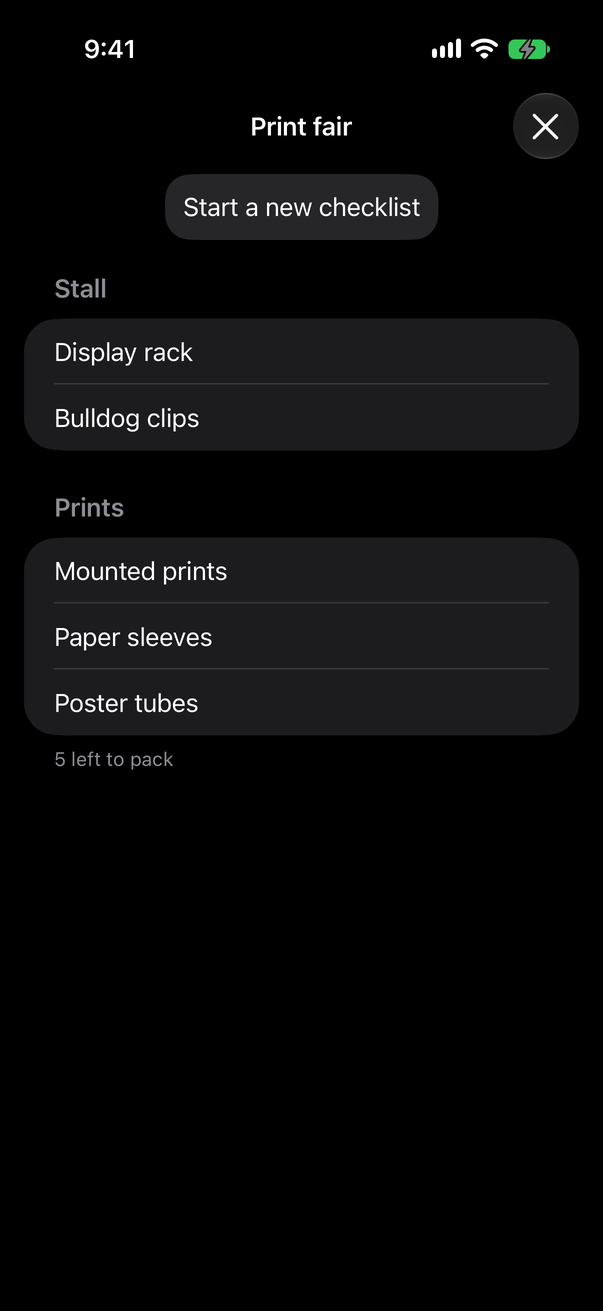
Pack a stall for a print fair. Group the supplies by crate and cross them off as you pack, even if you finish the job another day.
"""Pack a print fair stall and keep a checklist for the next day."""

import json
from dataclasses import dataclass, field

from juno import ui


@dataclass(frozen=True)
class Supply:
    id: str
    name: str
    crate: str


SUPPLIES = [
    Supply("rack", "Display rack", "Stall"),
    Supply("clips", "Bulldog clips", "Stall"),
    Supply("prints", "Mounted prints", "Prints"),
    Supply("sleeves", "Paper sleeves", "Prints"),
    Supply("tubes", "Poster tubes", "Prints"),
]


@dataclass
class State:
    packed: set = field(default_factory=set)


state = State()


def checklist_file():
    return ui.data_folder("Print Fair") / "packed.json"


def load():
    path = checklist_file()
    if path.exists():
        state.packed = set(json.loads(path.read_text(encoding="utf-8")))


def save():
    path = checklist_file()
    temporary = path.with_suffix(".tmp")
    temporary.write_text(json.dumps(sorted(state.packed)), encoding="utf-8")
    temporary.replace(path)


def pack(key):
    state.packed.add(key)
    save()


def start_over():
    state.packed.clear()
    save()


def body(s):
    remaining = [supply for supply in SUPPLIES if supply.id not in s.packed]
    return ui.VStack(
        ui.Button("Start a new checklist", on_press=start_over, style="bordered"),
        ui.List(remaining, item_key=lambda item: item.id, row=lambda item: ui.Text(item.name),
                section=lambda item: item.crate, on_delete=pack, style="inset",
                footer=f"{len(remaining)} left to pack"), spacing=12)


if __name__ == "__main__":
    ui.run(body, state, title="Print fair", on_appear=load)
Give each supply a lasting name
Use a short ID for each supply, such as clips for Bulldog clips. Keep the label and crate in separate fields so you can change either without changing what the saved ID means. A List tracks a row by its item key when its text or position changes.
Rows with the same section title share a header when they are next to each other. Keep supplies for the same crate together.
Cross off a packed item
Swipe Bulldog clips and choose Delete. Juno passes the row’s key to pack. The clips disappear and the display rack stays on the list.
Keep the original supply list for the next fair. Save just the packed IDs and leave them out when you draw the remaining rows.
Pick up where you left off
The next time you open the checklist, the clips are still packed. Use ui.data_folder for the JSON file. Write the new set to a temporary file before replacing the old one. Load it in on_appear so redraws never need to read the file.
For the next fair, tap Start a new checklist to bring the supplies back.
See the List component for row options and Keeping data between runs for more on files.